
Premiere Pro plugin to edit from the cloud
Sanbila is a free Adobe Premiere Pro panel, published on Adobe Marketplace. Keep your originals in the cloud, cut in Premiere with light proxies, and stop filling your SSD with 4K rushes.
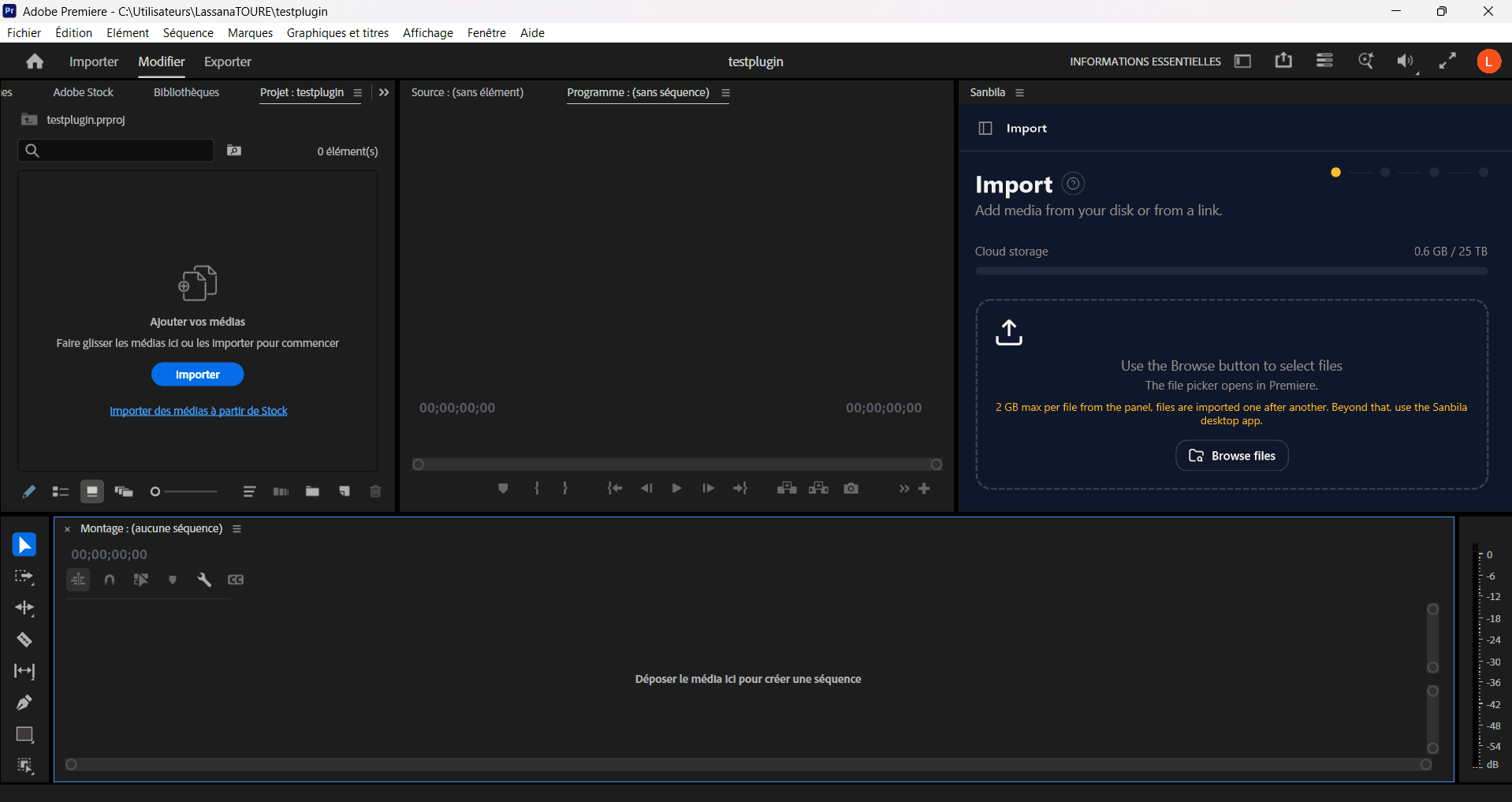
With the plugin alone
Straight from the Sanbila panel in Premiere, with nothing else installed.
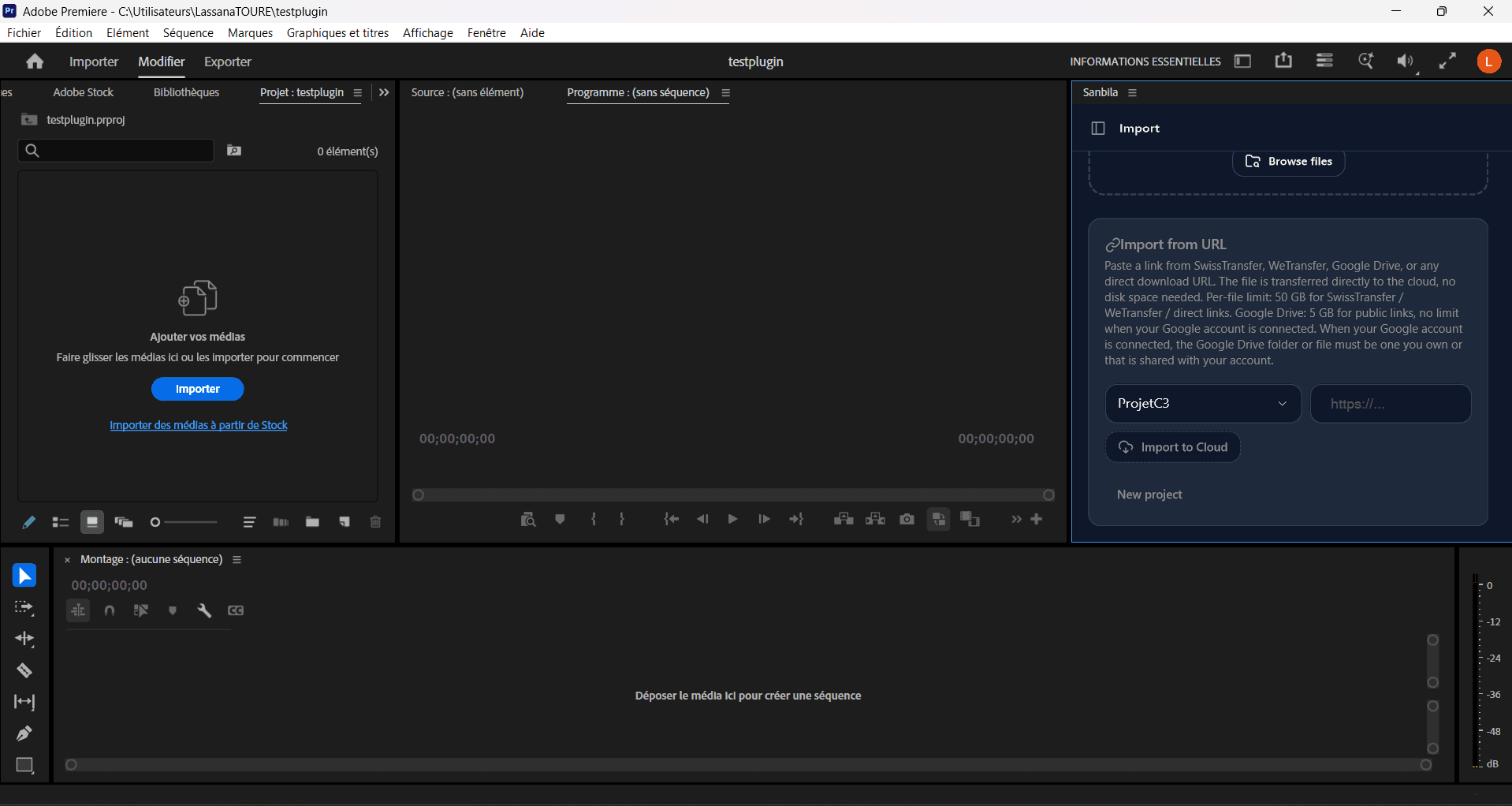
Import local files or from a link
Add media from your disk, or paste a Google Drive, WeTransfer or SwissTransfer link. The panel resolves the download and brings the files in.
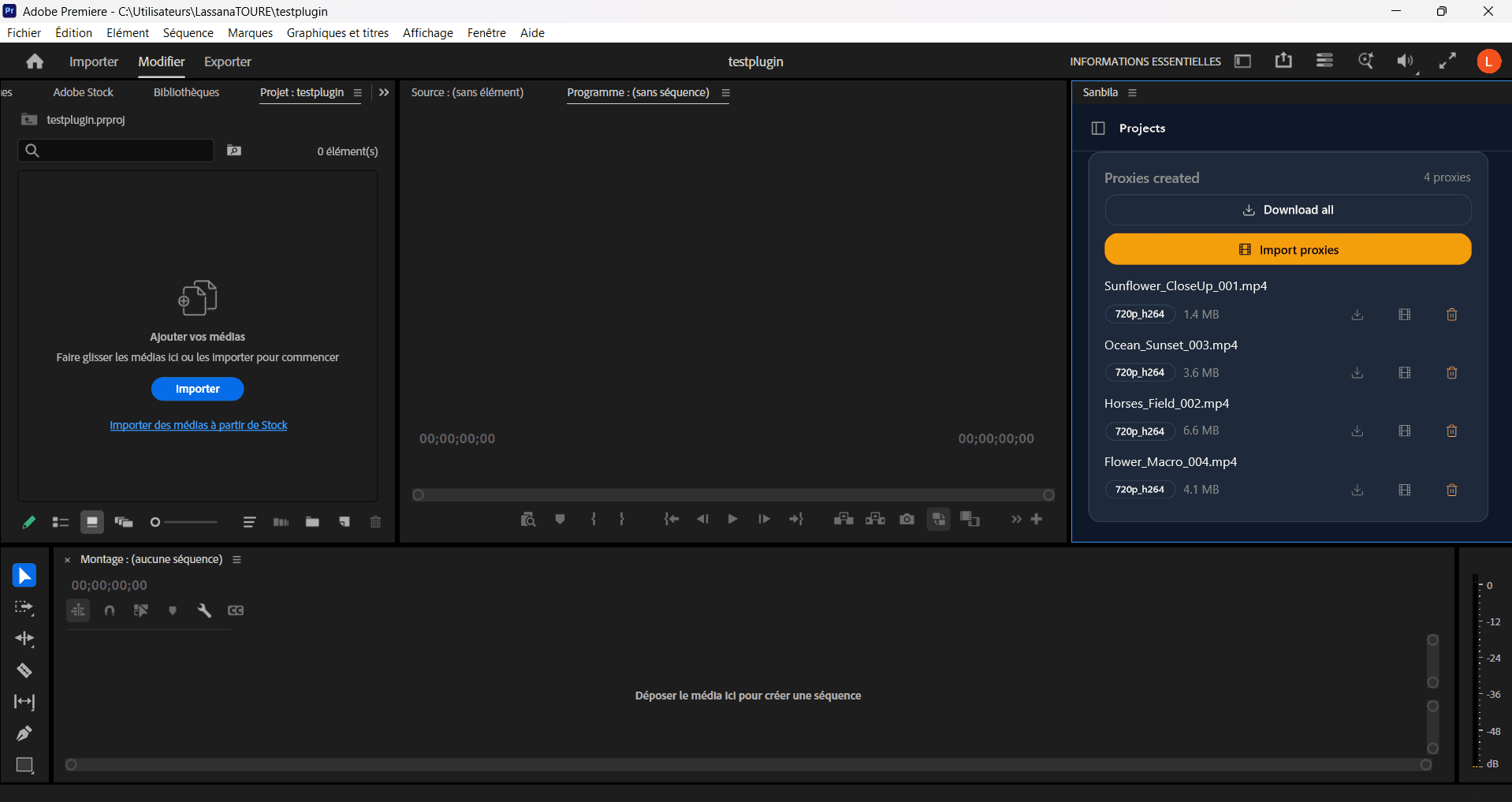
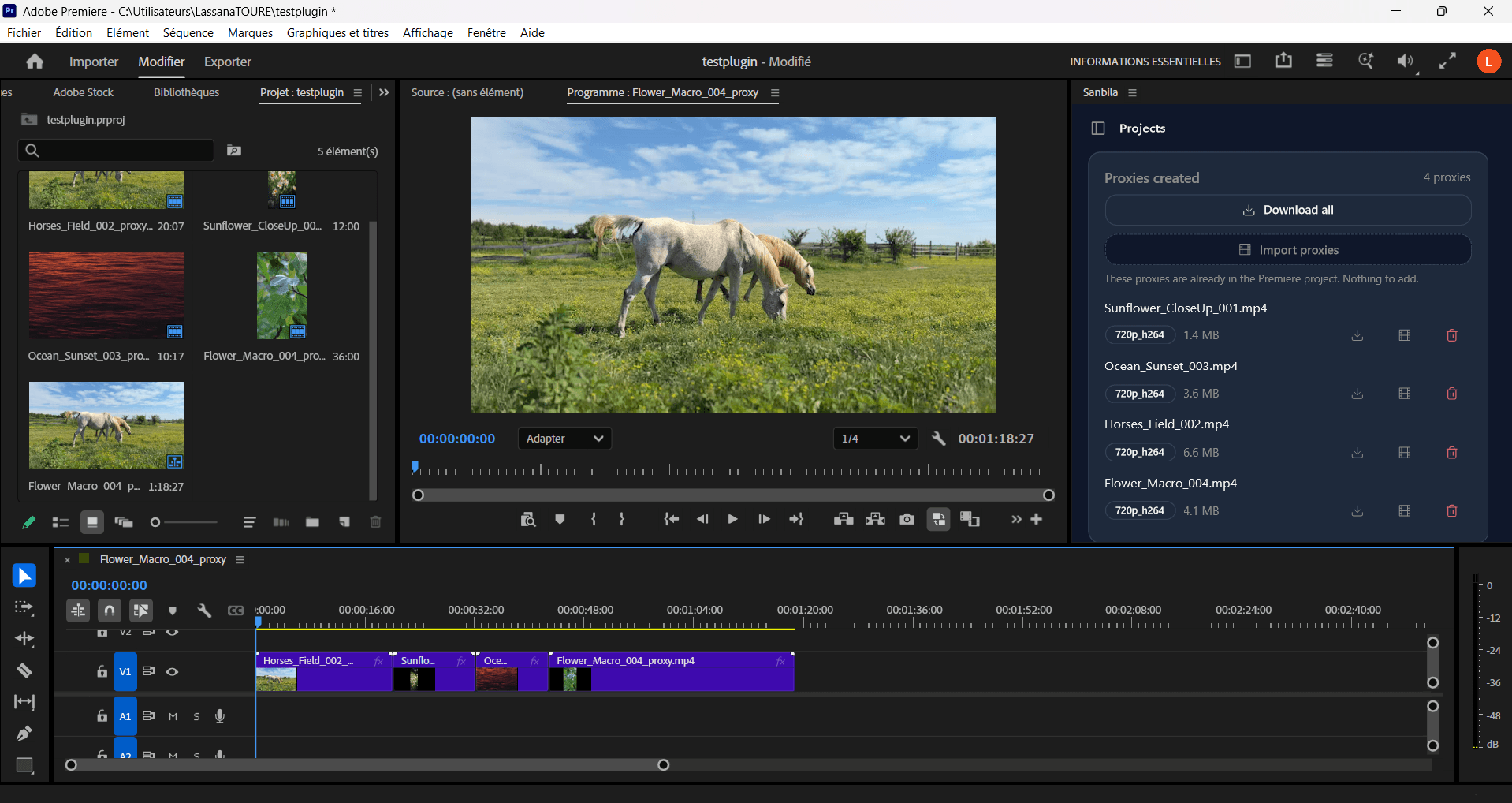
Generate proxies on demand
Create light proxies for the clips you choose, import them into Premiere, and cut smoothly on any machine.
Collaborate with your team
Share a project and work together with roles: Owner, Editor and Viewer. Everyone sees the same files in real time.
With the Sanbila desktop app installed
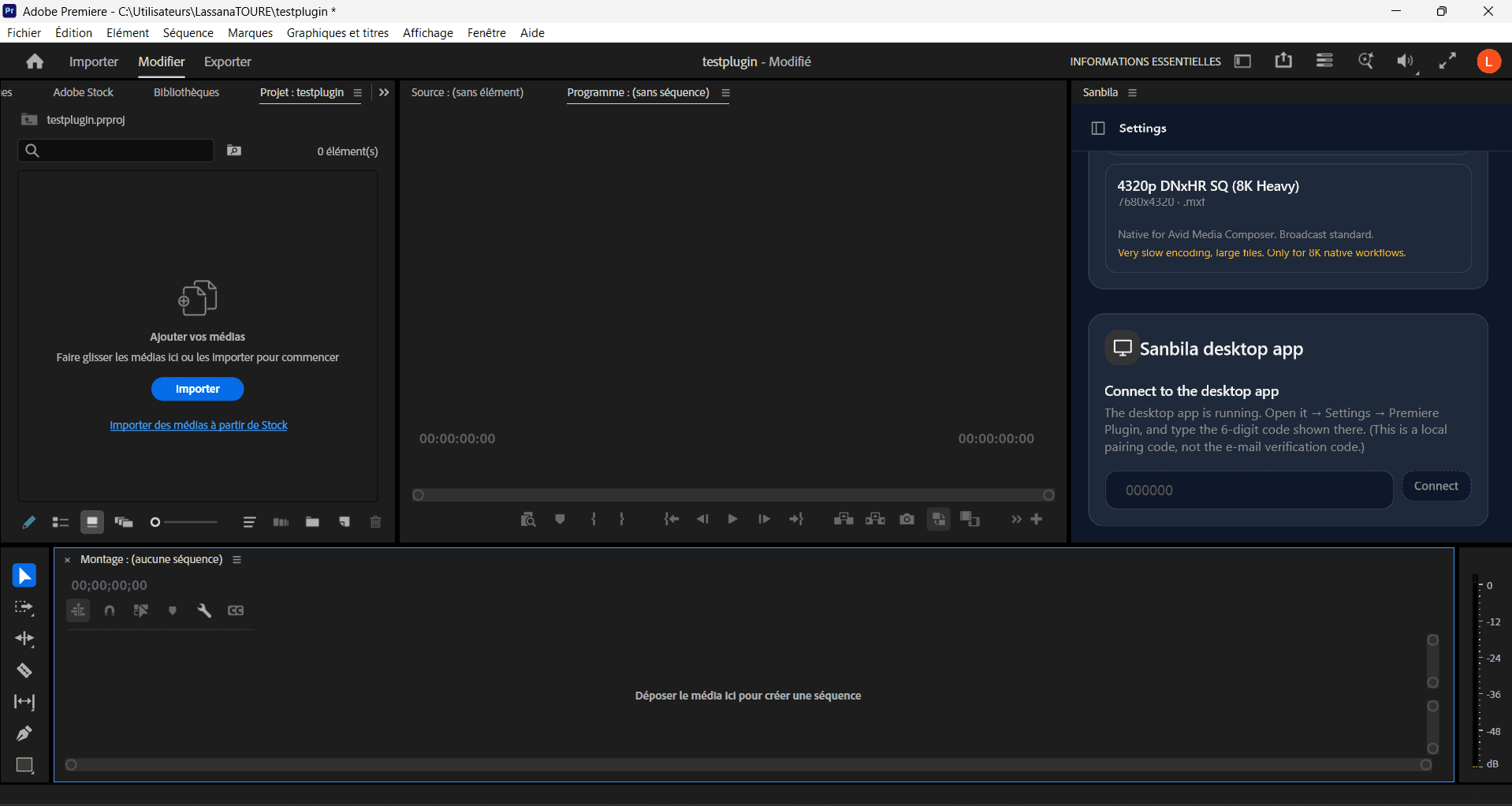
Install the Sanbila desktop app and connect it, and the panel unlocks the full workflow.
Stream the originals from the cloud
Read full resolution originals straight from cloud storage, with no download and no proxy step.
Virtual folders
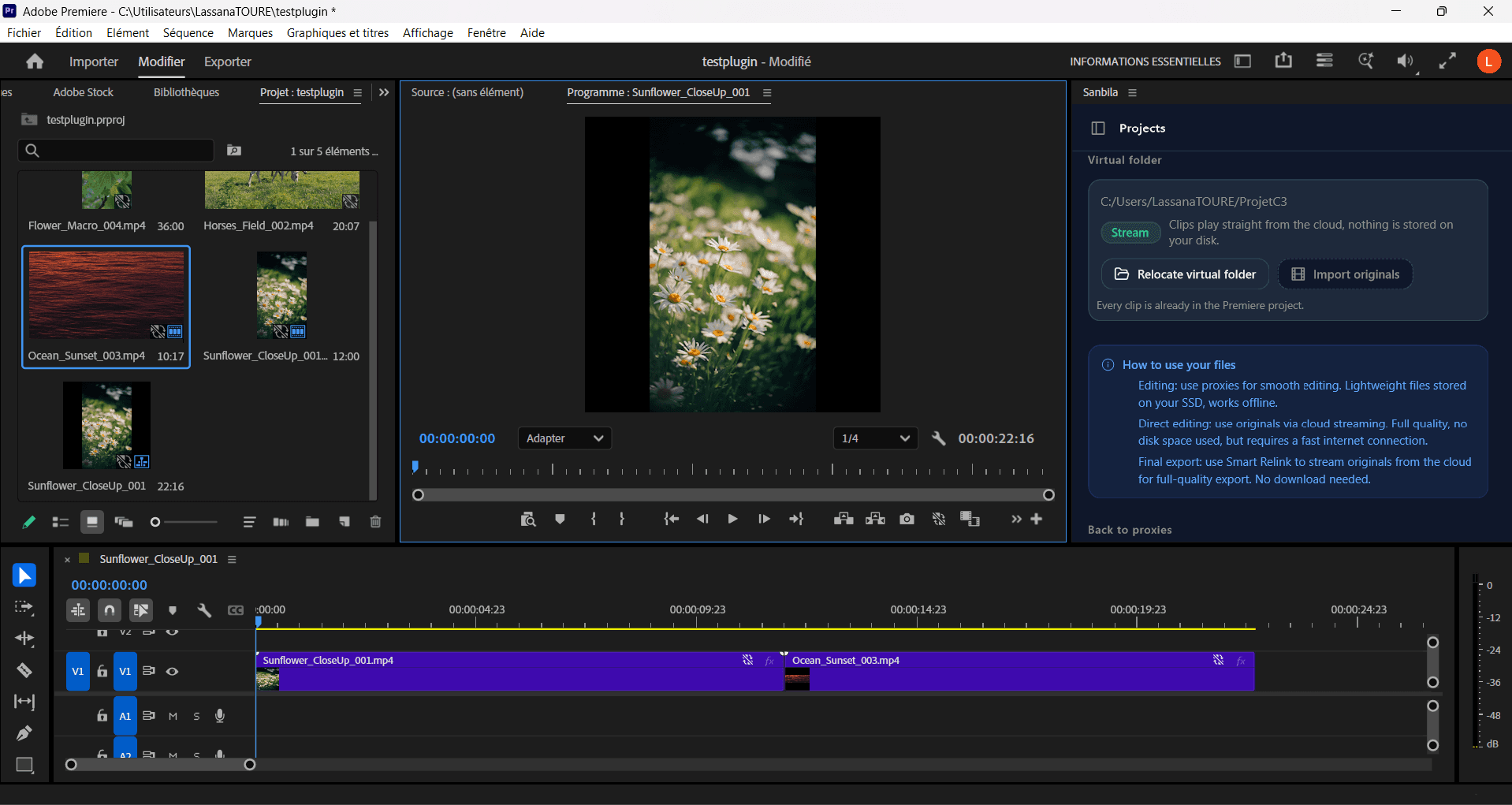
Sanbila builds a folder Premiere reads as local, mixing proxies and streamed originals in the same project.
Native proxy attach for a full resolution export
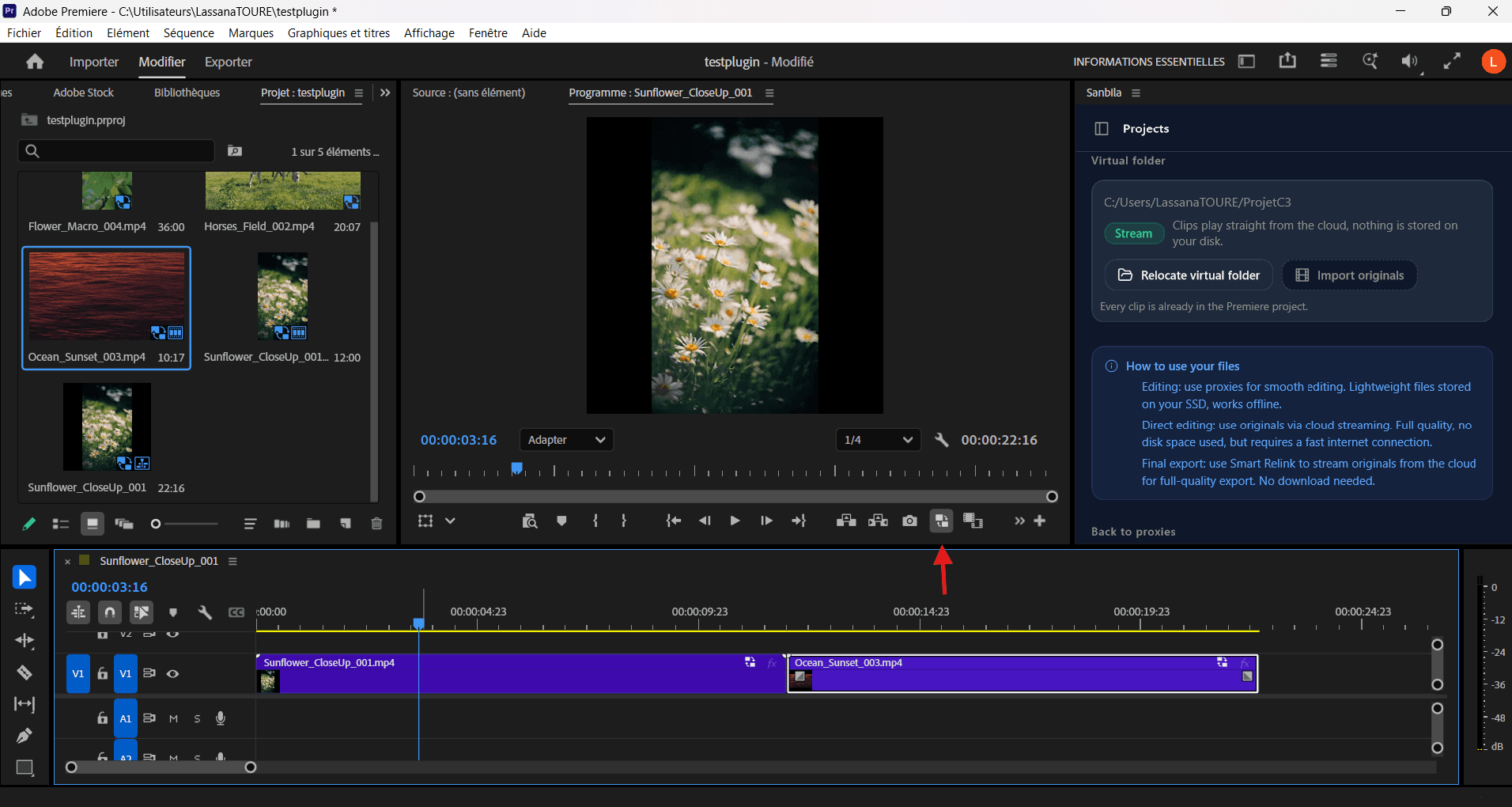
The panel attaches each proxy to its clip natively, so you cut light and export in full 4K, with no relink and no reconform.
How it works
- 1
Install the Sanbila panel from Adobe Marketplace.
- 2
Import your footage from your disk or a link, or connect the desktop app to stream from the cloud.
- 3
Cut in Premiere with light proxies, then export in full resolution.
Questions and answers
Do I need the desktop app to use the plugin?
No. The plugin alone imports files, generates proxies and lets you collaborate. The desktop app adds cloud streaming, virtual folders and native proxy attach for a full resolution export.
Which files can I import from the panel?
Local files, and links from Google Drive, WeTransfer and SwissTransfer. Very large files are best handled with the desktop app.
Is the plugin free?
Yes, the Premiere Pro panel is free on Adobe Marketplace. A Sanbila account covers cloud storage and team collaboration.